


Microsoft has released a critical mitigation for a newly disclosed BitLocker bypass vulnerability, codenamed YellowKey. The zero-day flaw, officially designated CVE-2026-45585, was publicly revealed last week, prompting Microsoft to issue a swift response to protect users. This security feature bypass in Windows BitLocker poses a significant risk to data encrypted on affected systems.
The vulnerability, carrying a CVSS score of 6.8, allows attackers with physical access to circumvent BitLocker’s encryption on system storage devices, potentially leading to unauthorized access to sensitive data. Microsoft acknowledged the public disclosure of a proof-of-concept, noting this violated best practices for coordinated vulnerability disclosure.
Understanding the YellowKey BitLocker Vulnerability
The YellowKey vulnerability was detailed by security researcher Chaotic Eclipse, also known as Nightmare-Eclipse. The exploit involves placing specially crafted ‘FsTx’ files onto a USB drive or an EFI partition. When a compromised USB drive is inserted into a target Windows computer running BitLocker, and the system is rebooted into the Windows Recovery Environment (WinRE), pressing the CTRL key can trigger a command shell. This shell, according to the researcher’s public disclosures, provides unrestricted access to the BitLocker-protected volume.
Microsoft confirmed that successful exploitation could grant an attacker who has physical access to a device the ability to bypass the BitLocker Device Encryption feature. This would enable them to access encrypted data stored on the system’s main storage.
Affected Systems
The vulnerability impacts several versions of Windows, including:
- Windows 11 version 26H1 for x64-based Systems
- Windows 11 Version 24H2 for x64-based Systems
- Windows 11 Version 25H2 for x64-based Systems
- Windows Server 2025
- Windows Server 2025 (Server Core installation)
Mitigation Strategies for YellowKey
Microsoft has outlined a series of steps to mitigate the YellowKey vulnerability. The primary mitigation focuses on modifying the WinRE image to prevent the FsTx Auto Recovery Utility, autofstx.exe, from launching automatically upon WinRE startup. Security researcher Will Dormann explained that this change prevents the Transactional NTFS replay process that deletes the winpeshl.ini file.
The recommended technical mitigation involves mounting the WinRE image on each affected device. Subsequently, the system registry hive of the mounted WinRE image needs to be mounted. The crucial step is to modify the ‘BootExecute’ value under Session Manager by removing “autofstx.exe” from the REG_MULTI_SZ value. After saving and unloading the registry hive, the updated WinRE image is unmounted and committed. Finally, BitLocker trust for WinRE must be re-established.
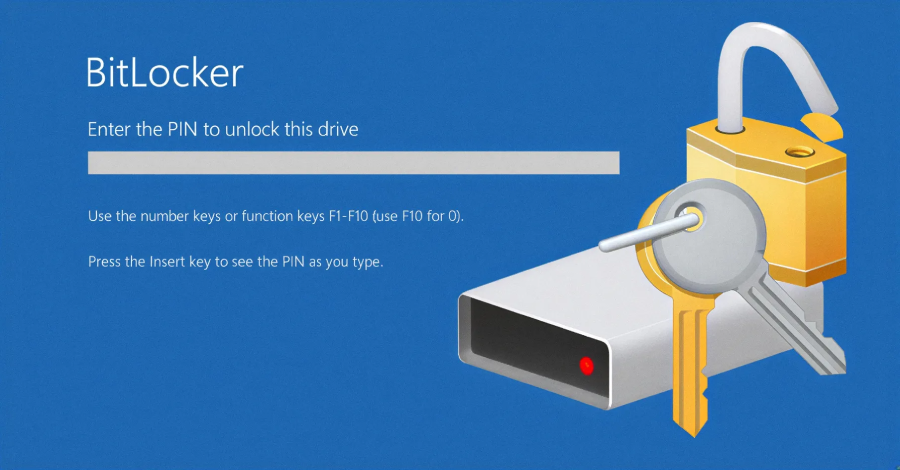
Additionally, Microsoft strongly advises users and administrators to enhance their security posture by configuring BitLocker on already encrypted devices. For devices utilizing a “TPM-only” protector, the recommendation is to switch to a “TPM+PIN” mode. This change can be implemented via PowerShell, the command line, or the control panel. Requiring a PIN at startup will effectively thwart YellowKey attacks, as the exploit relies on bypassing startup authentication.
For devices that are not yet encrypted, administrators are urged to enable the “Require additional authentication at startup” option. This can be managed through Microsoft Intune or Group Policies. Furthermore, ensuring that the “Configure TPM startup PIN” setting is set to “Require startup PIN with TPM” is essential for new deployments.
The public disclosure of the YellowKey vulnerability underscores the ongoing challenges in securing system encryption technologies. While Microsoft has provided mitigations, the rapid emergence of such zero-day exploits highlights the continuous need for vigilance and proactive security measures from both software vendors and end-users. The next steps will likely involve widespread testing and adoption of these mitigations, alongside potential further security updates from Microsoft to address any unforeseen attack vectors.